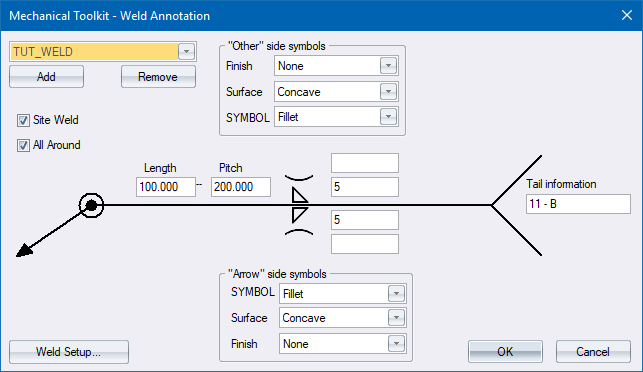
Specify the parameters of a weld symbol and annotation.
|
Option
|
Description |
|
Weld list |
Select the active weld definition (the one you want drawn) from this list. |
|
Add |
Click to add a new weld definition. |
|
Remove |
Click to delete the active weld definition. Be aware that there is no undo if you delete a weld definition by accident. |
|
Site Weld |
Select this checkbox if the joint is a site weld. |
|
All Around |
Select this checkbox if the joint must be welded all round. |
|
Arrow side symbols |
|
|
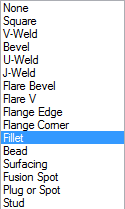
Symbol |
Select the required weld symbols.
|
|
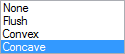
Surface |
Select the type of weld surface.
|
|
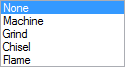
Finish |
Select the type of weld finish.
|
|
Other side symbols |
|
|
Symbol |
Select the required weld symbols.
|
|
Surface |
Select the type of weld surface.
|
|
Finish |
Select the type of weld finish.
|
|
Dimensions |
Enter the relevant dimensions (in drawing units) to be used when drawing the weld. |
|
Tail information |
Enter the text to be written in the symbol tail (if required). |
|
Weld Setup |
Click to open the Annotation Setup. |