Google Earth Snapshot
Take an image snapshot from Google Earth.
|
Icon
|
Command
|
Shortcut Key
|
Toolbar
|
|
|
|
|
|
Procedure
- Google Earth opens and the following message displays.
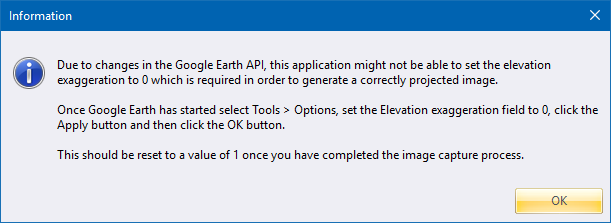
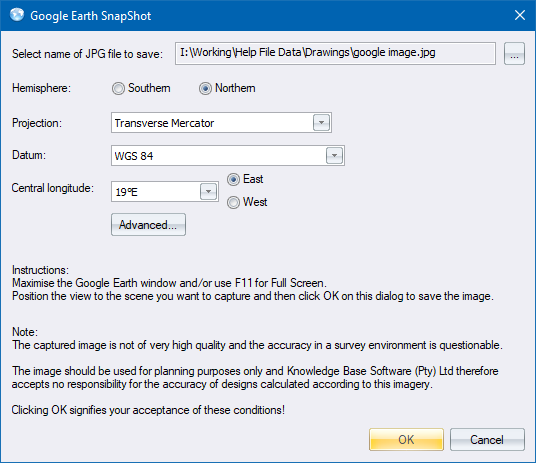
- Ensure your settings are correct. The following snapshot settings display.

- Click ... to specify a filename for the snapshot.
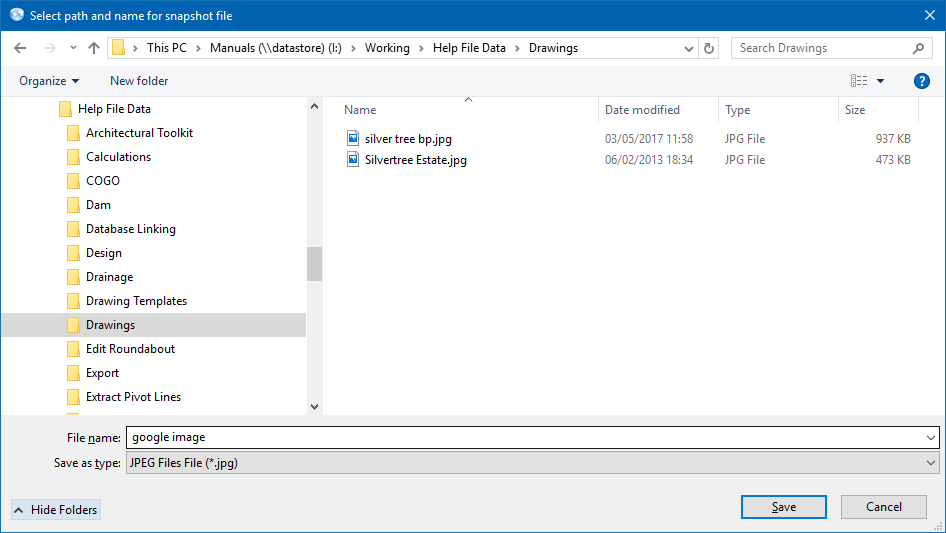
- Now set up the hemisphere and coordinates.
-
Click OK to proceed when you have zoomed in on Google Earth to the desired snapshot.
- The snapshot is saved.