Icon
Command
Shortcut Key
Toolbar

LINEARCLINE
DRAWING
Draw a series of lines and arcs.
|
Icon |
Command |
Shortcut Key |
Toolbar |
|
|
LINEARCLINE |
|
DRAWING |
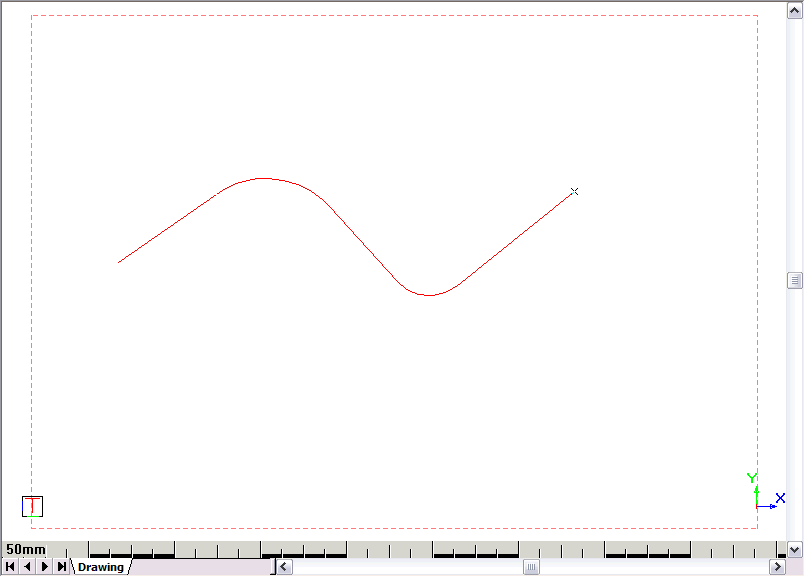
This function allows you to draw a series of lines with arcs that have a specified radius at the bend points.
Procedure
Enter first line point
Enter the start point of the line arc line sequence. You can use any of the accurate drawing tools.
Enter corner point
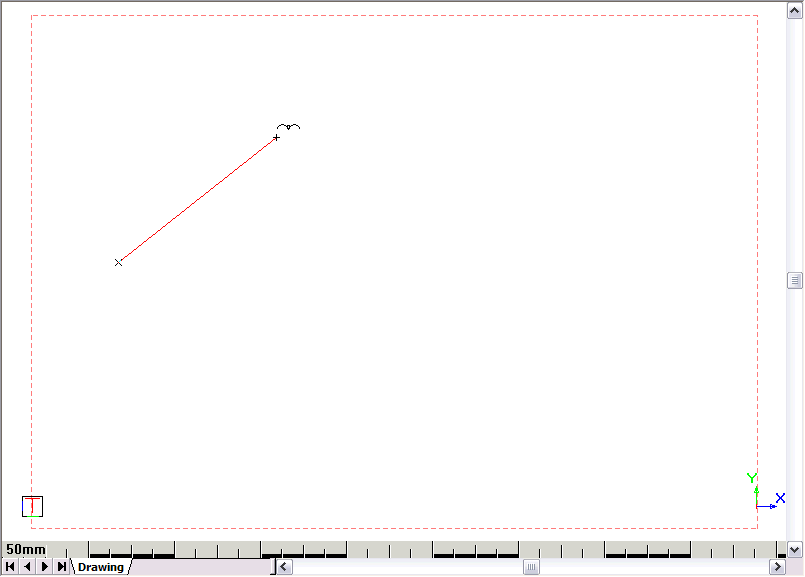

Type in a value of 50 and press [Enter].
Enter corner point
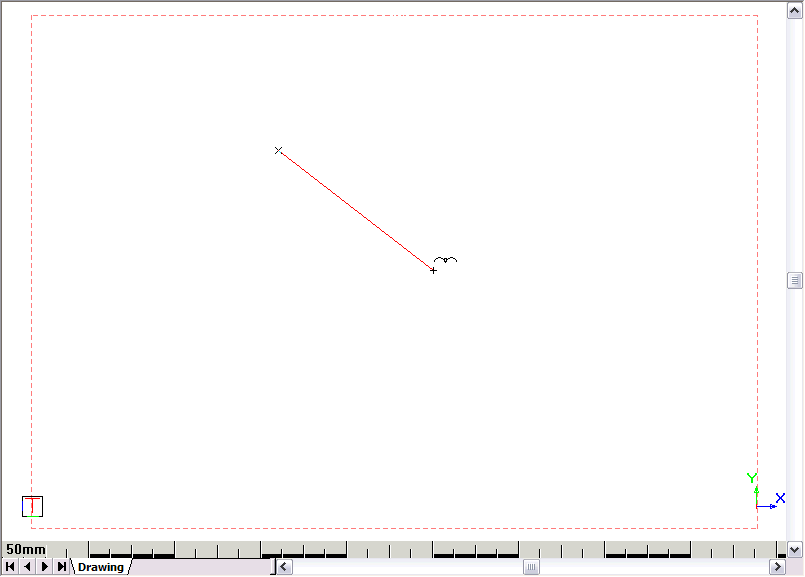
The first line segment is drawn with the first radiused corner.
You are prompted to:

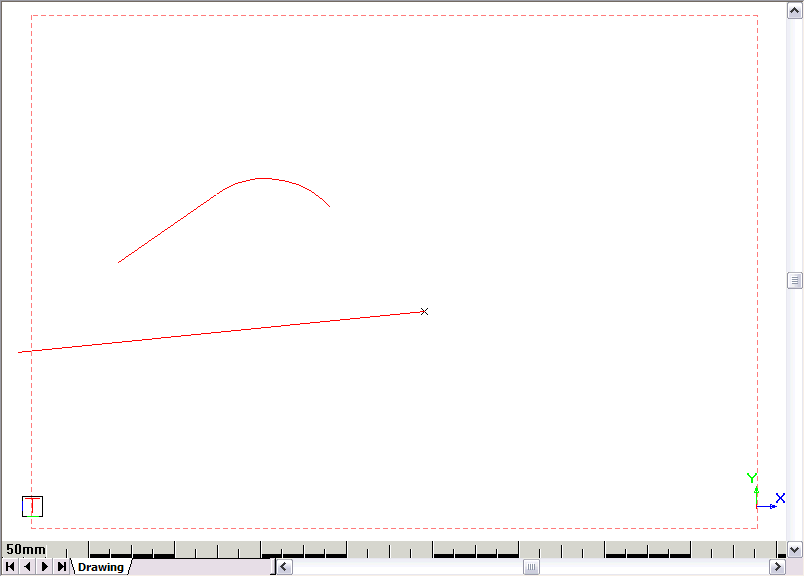
Enter next corner point (enter two points the same to end with a line)