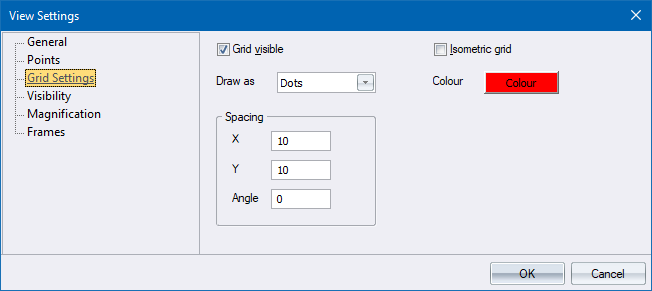
Configure grid settings.
|
Option
|
Description |
|
Grid visible |
Select this checkbox to display the grid on the drawing. |
|
Isometric grid |
Select this checkbox to use an isometric grid, useful for drawing isometric views in 2D mode. |
|
Draw As |
Select the appearance of the grid nodes from the dropdown list. The options are Dots and Lines. |
|
Colour |
Click to select a colour for the grid. |
|
X Spacing |
Enter the spacing between grid nodes in the X (horizontal) direction, in drawing units. |
|
Y Spacing |
Enter the spacing between grid nodes in the Y (vertical) direction, in drawing units. |
|
Angle |
Enter the rotation angle of the grid in degrees. |