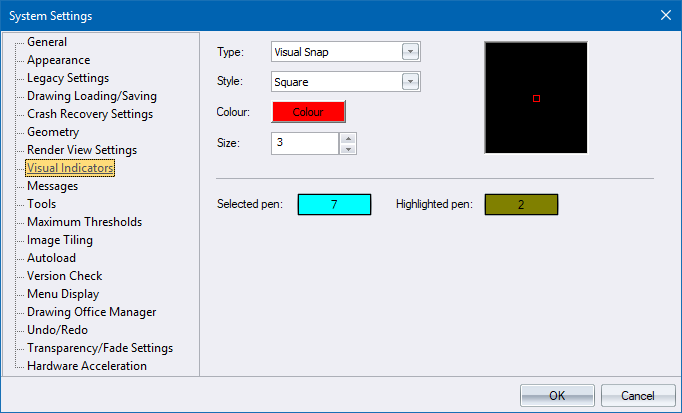
Specify settings for the display of visual indicators.
|
Option
|
Description |
|
Type |
Select the type of visual indicator from the dropdown list. |
|
Style |
Select the display style to use for the selected visual indicator. |
|
Colour |
Click to display the standard Windows colour dialog to select a colour for the selected visual indicator. |
|
Size |
Specify the size, in pixels, of the visual indicator. |
|
Preview |
Shows the selected visual indicator in accordance with the current settings. |
|
Selected pen |
Set the pen for selected entities |
|
Highlighted pen |
Set the pen for drawing highlighted entities |